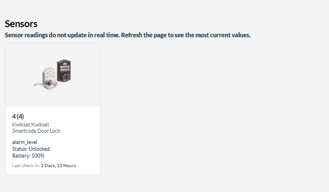
Yale's YRD256 Manual with pairing instructions.
Accessing ZWave Configurator, v1,
1. Locations Settings
2. Zwave Configurator
3. Start Inclusion
4. Stop Inclusion
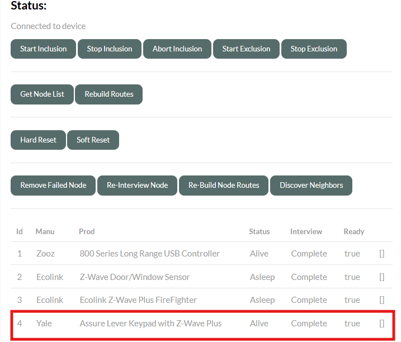
2. Enter the Keypad Pairing SequenceTouch the lock screen with your palm to wake it up, then press the following keys exactly in order:
- Enter your Master PIN Code.
- Press the Gear key ⚙️.
- Press 7.
- Press the Gear key ⚙️.
- Press 1.
- Press the Gear key ⚙️ to complete pairing.
- Factory Reset / Exclusion First: If the lock refuses to pair, it may still be programmed to a previous hub network. Put your current hub into "Exclusion Mode" (Remove Device), then enter the keypad sequence: [Master PIN] ➔ [Gear] ➔ [7] ➔ [Gear] ➔ [3] ➔ [Gear]. Once cleared, try the pairing steps again.
- Check the Module: Ensure the blue Z-Wave network card is firmly slotted into the compartment hidden right above the batteries on the interior side of the door. Always remove at least one battery before sliding this module in or