For many technical issues, a simple restart or reboot of the hub can reconnect everything just like turning your phone off and then back on.
Restart Services Steps
-
First, navigate to the Hubs tab of the dashboard

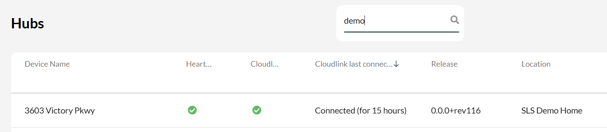
- Select the Location that needs a reboot - you can use the search box if needed
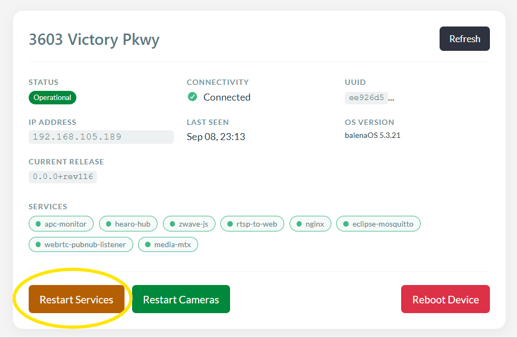
- Click the orange Restart Services button
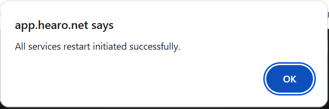
- Click OK in the pop-up to go ahead
- Stay on this screen until you get this confirmation:
Reboot Hub Steps
-
Follow the same instructions above, but press the Reboot Device button

- It takes a few minutes for the hub to reboot and fully reconnect
Signs of an Offline Hub
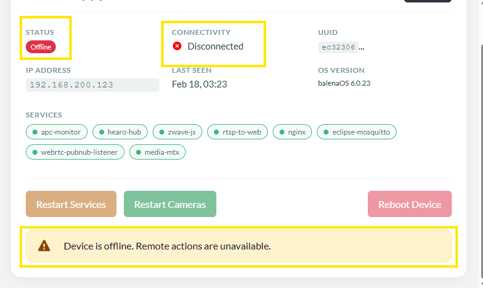
This screenshot shows the hub is offline. If the hub is offline, on-site intervention is required to validate power and network connectivity to the hub.