- Engage a Smart Living Systems admin to remove kiosk mode from the tablet.
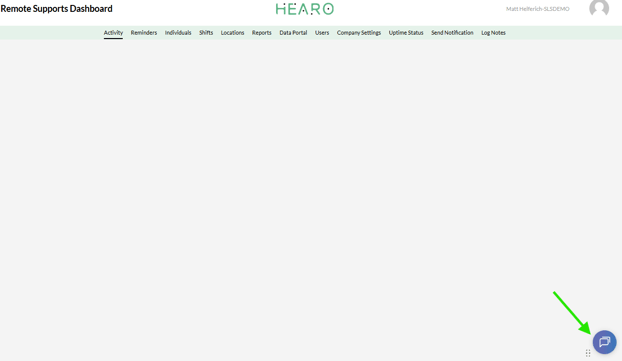
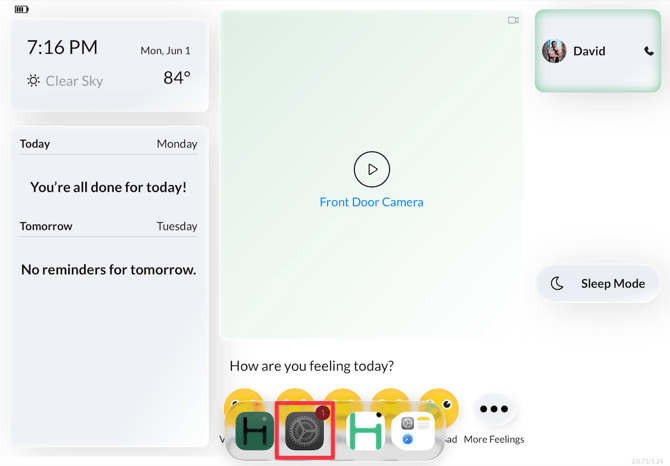
- Once SLS is engaged, they will exit kiosk mode on the tablet and the app bar appear at the bottom, select Settings gear icon.
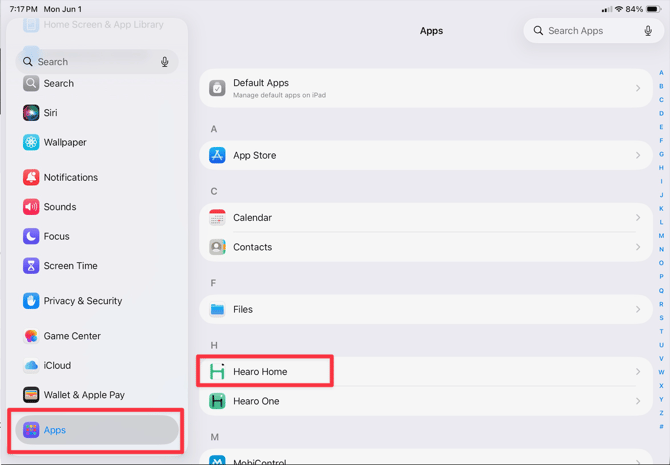
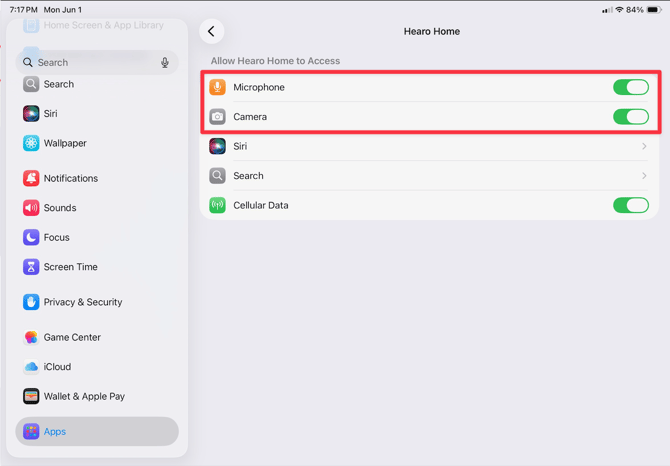
- Scroll to the bottom of the left side menu and select Apps then Hearo Home.
- Click the slide button for Microphone and Camera on the right side.
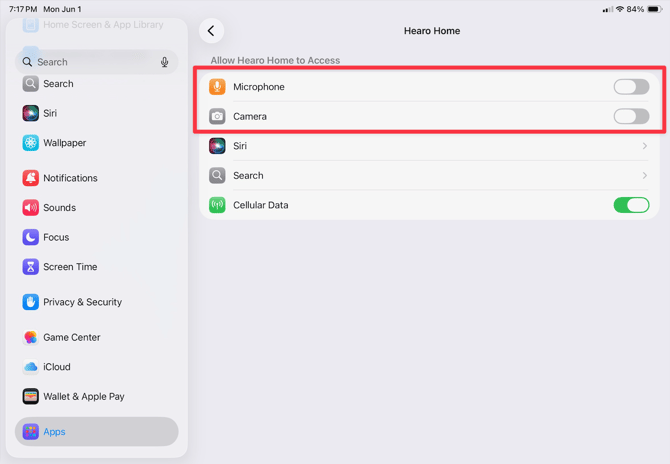
- Settings should reflect the following below.
English
