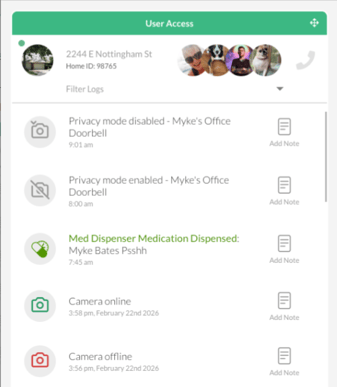
Camera activity logs and alerts can provide critical support information. Cameras need to be managed responsibly, so it is important to configure the timeframes outside of the support window to maintain the individual's privacy.
Navigate to the Location's Sensors list
Select Locations from the top menu bar and click on the location that needs camera configuration.

Scroll down the Location Details page to the Sensors section.
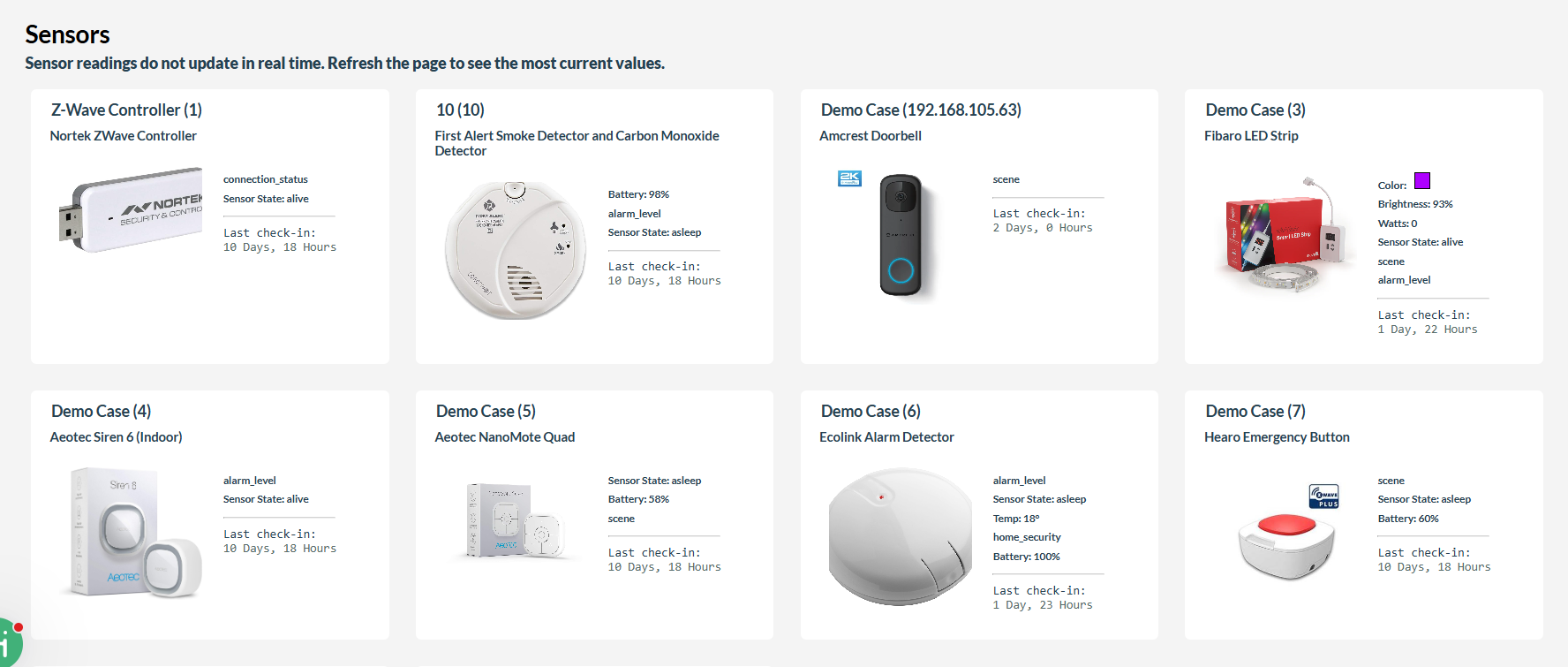
Configure Privacy Time Window
-
Click on the camera in the Sensor list
-
Below the initial device details you will see the Sensor Meta Values section
- A new value must be created to automatically disable the cameras from the activity log. Copy and Paste the following Key and Value, then edit the value "start" and "end" specific to this Location/Camera device
| Key | Value |
| PRIVACY_TIME_WINDOWS | [{"start":"00:00","end":"23:59"}] |
Press Update Sensor button to save your changes, and the activity log will show the start and end of privacy mode in the dashboard.